
JobAdder + SEEK Talent Search Connect (TSC)
Recruit more efficiently with SEEK's talent search connect integration
Automatically search and match SEEK candidates without leaving JobAdder.

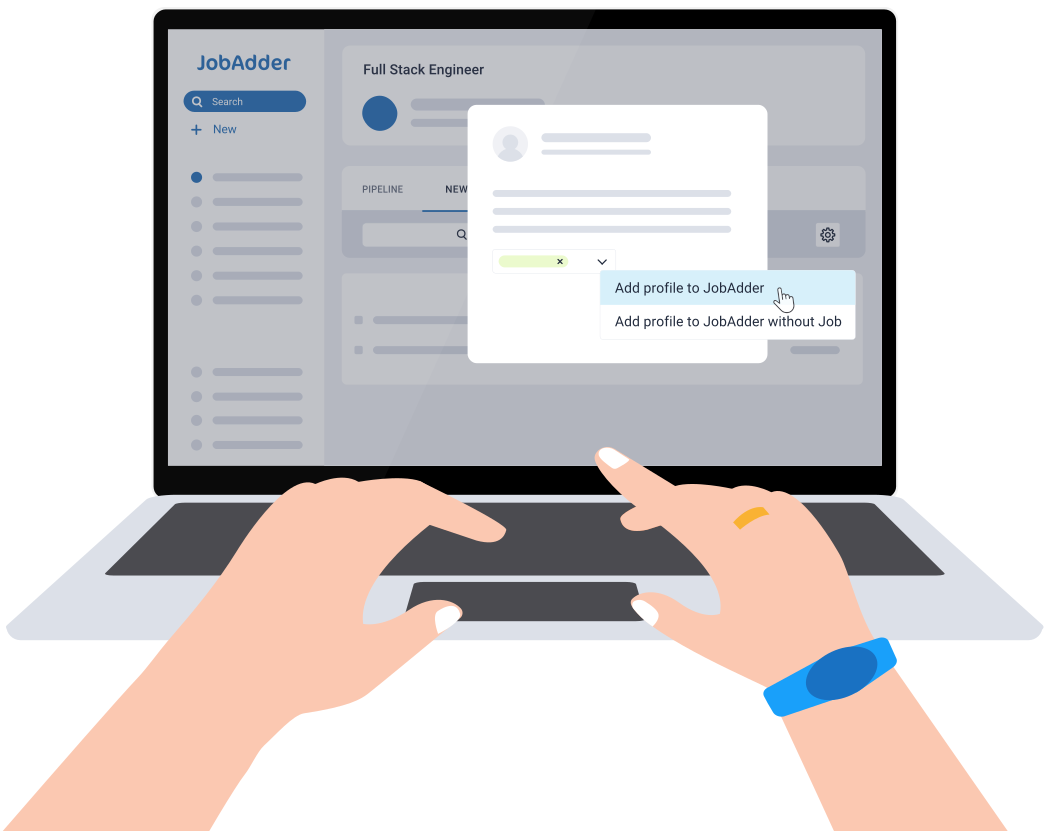
What is the JobAdder + SEEK Talent Search Connect (TSC) integration?
Talent Search Connect is SEEK’s proactive sourcing tool that seamlessly integrates with JobAdder, empowering teams to find and connect with a greater pool of candidates quickly and efficiently.
What is the JobAdder + SEEK Talent Search Connect (TSC) integration?
Talent Search Connect is SEEK’s proactive sourcing tool that seamlessly integrates with JobAdder, empowering teams to find and connect with a greater pool of candidates quickly and efficiently.
JobAdder + SEEK Talent Search Connect (TSC) benefits
Reduce time-to-shortlist with talent pools
Eliminate job ad posting to SEEK
with access to over twelve million
candidates inside JobAdder. View your favourite candidates in JobAdder and get recommendations for lookalike candidates in SEEK.
Streamline your sourcing workflow with a two-way data pipeline
Streamline viewing, accessing, storing and updating of SEEK candidate information in JobAdder to aid quick decision making and easy team collaboration.
Improve candidate experience with shared access to all candidate interactions
Understand your relationship with each candidate with access to full interaction history across JobAdder and the candidate’s SEEK profile.
How it works
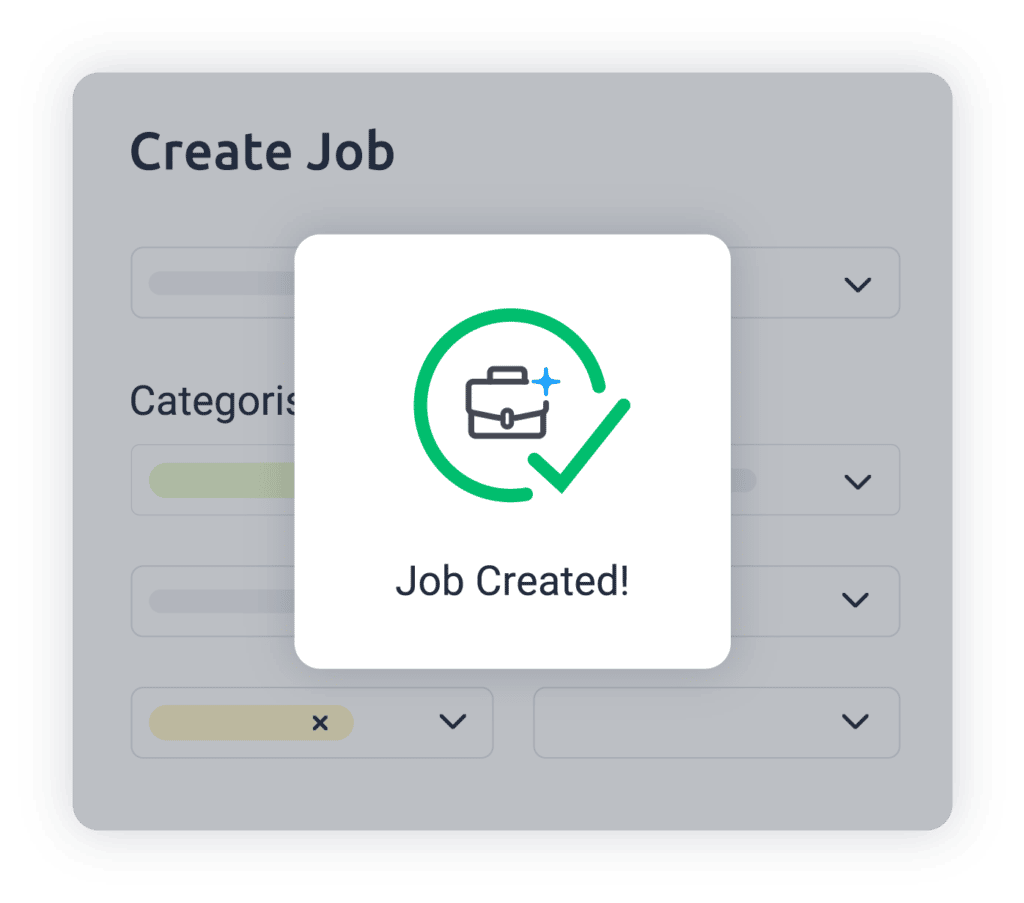
Create your job
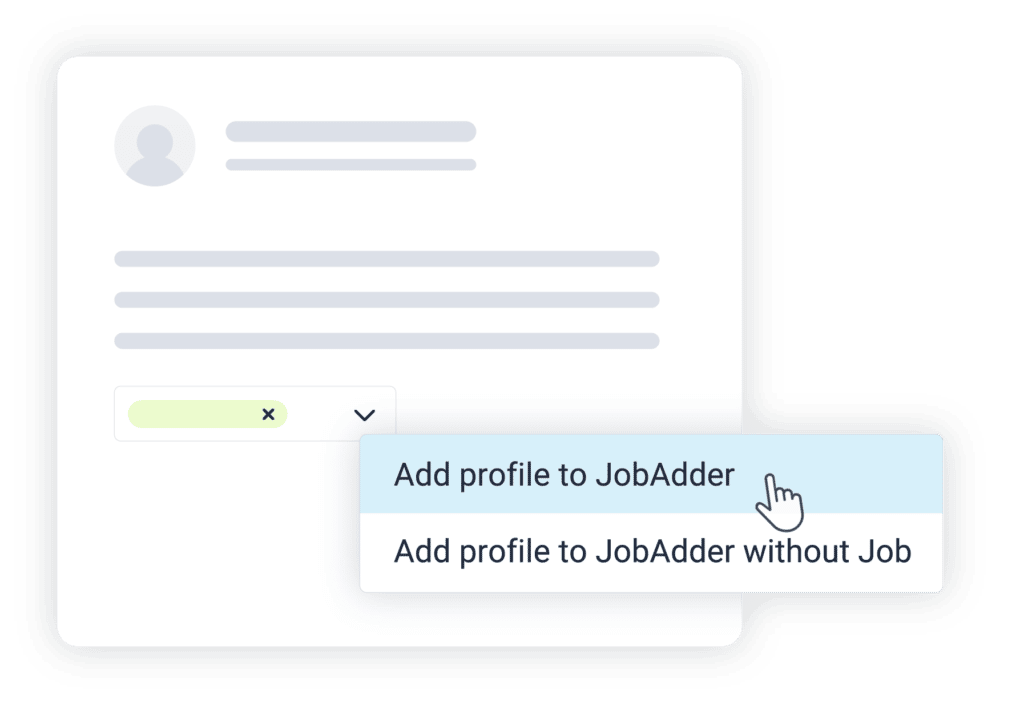
View candidates on SEEK
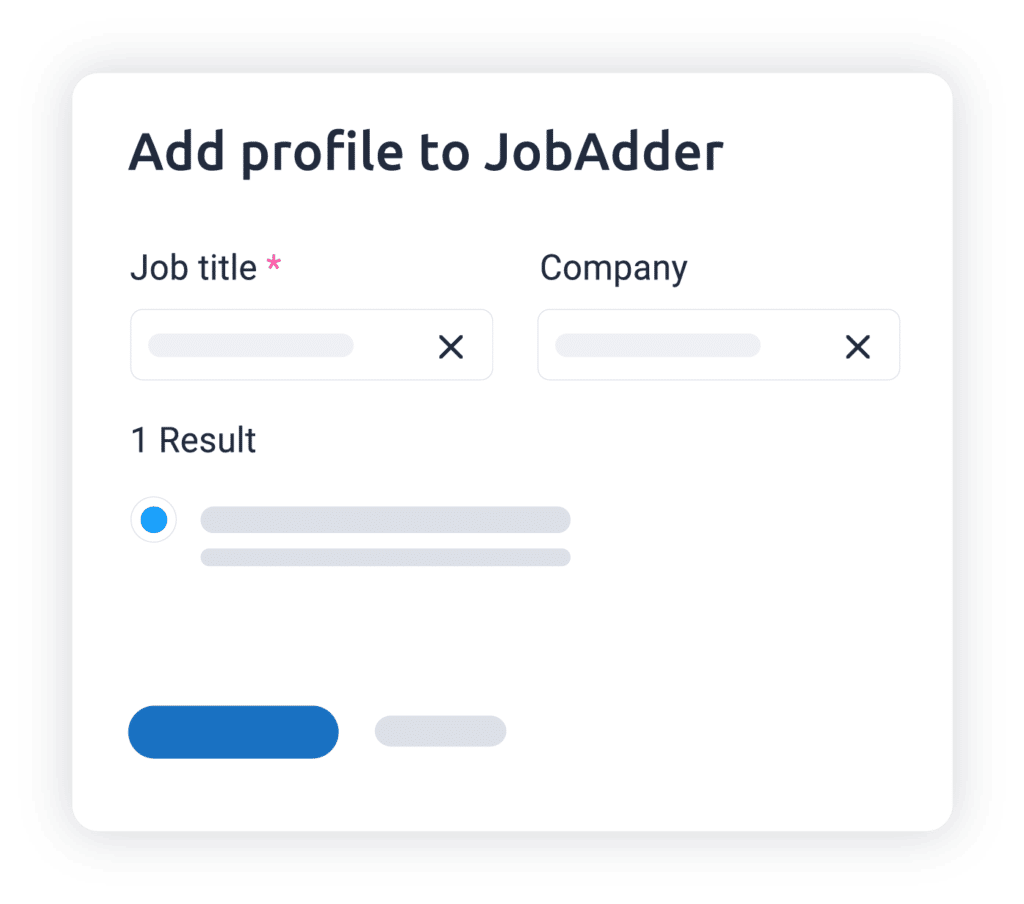
Add candidate to JobAdder
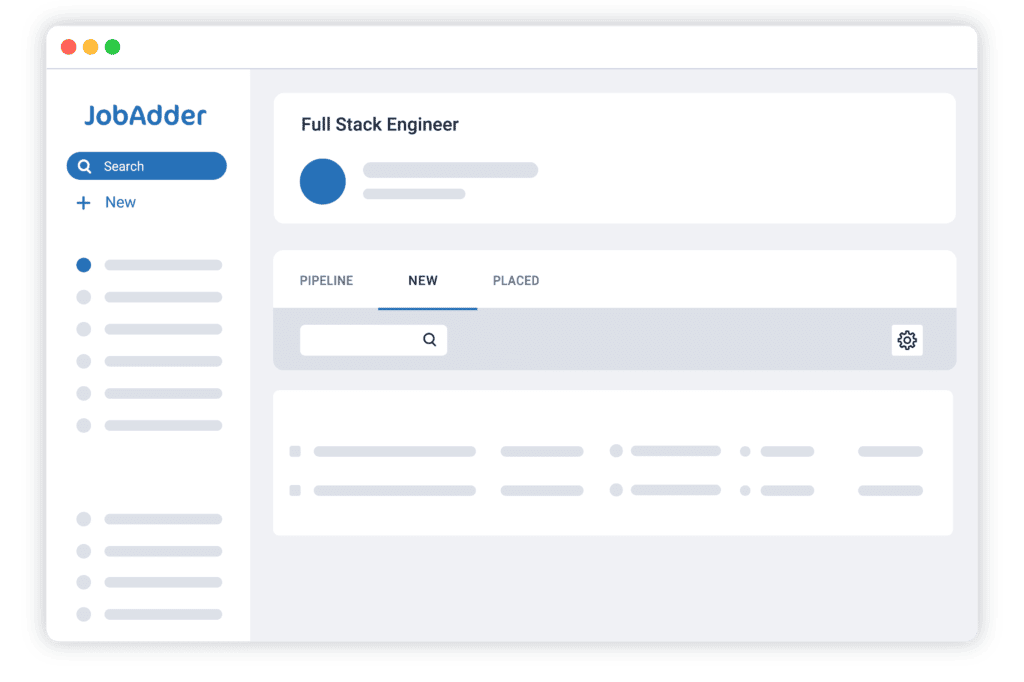
View candidate against job
Hear why your peers love JobAdder’s JobAdder + SEEK Talent Search Connect (TSC)
Support is absolutely impeccable. I’ve had responses sometimes on weekends where I wouldn’t expect a response because it’s not a priority, but someone’s picked up my ticket and delivered the answer.

That’s the way of the future. We’ve got to make the most of the data that we have, and we’ve been able to do that with JobAdder.
The mobile app is one thing our recruiters love because a lot of them can be working remotely. So they might go to a meeting and a candidate interview, then go back to another meeting and use the speech-to-text functionality.
The mobile app is very useful and easy to use and we’ve been part of the feedback forum for the app which we’ve appreciated.
JobAdder has been a convenient and essential tool for business. I love that it does not have to run on our VPN and when I work late hours out of the office, pulling up client and candidate information on my phone is a breeze.
In comparison to our prior system, we now have the ability to build reports and to be able to report upon things that are relevant to our business again.
The support team are really really great, they are incredibly knowledgeable and always willing to help.
JobAdder is ideal as [the team] can see what’s going on in real-time. They can share information through the platform. We can ask candidates to record video content and submit it that way.
Integrations like HelloSign have sped things up for us and made it more engaging and easier for our candidates. We’ve been able to eliminate a clunky step in the process for our candidates, especially because a lot of our candidates work in remote regional areas where printing and scanning facilities may not be available. It also helps save a few trees eliminating the need to have paper contracts.


Answers to your JobAdder + SEEK Talent Search Connect (TSC) questions
JobAdder exists to make recruitment more efficient and joyful for everyone involved – not just the users of our platform. We’re here to improve the hiring experience for candidates, clients, internal stakeholders, human resources management and HR teams as well as recruiters, and that drives our continual innovation. Visit Why JobAdder to learn more.
From telecommunications to technology, mining to marketing, our recruitment software helps recruiters in every sector shine. Find out how we can best help your industry here.
The JobAdder platform is designed to help make recruitment more efficient and joyful for all involved. The businesses it is most suited to are recruitment and staffing agencies and in-house HR and talent acquisition teams – the teams that manage the recruitment process.

