Collaboration thatwon'tlose context
Share tasks, events, records and activity between recruiters, so your entire team understands where every client and candidate relationship stands, to reduce admin time by up to 50%.
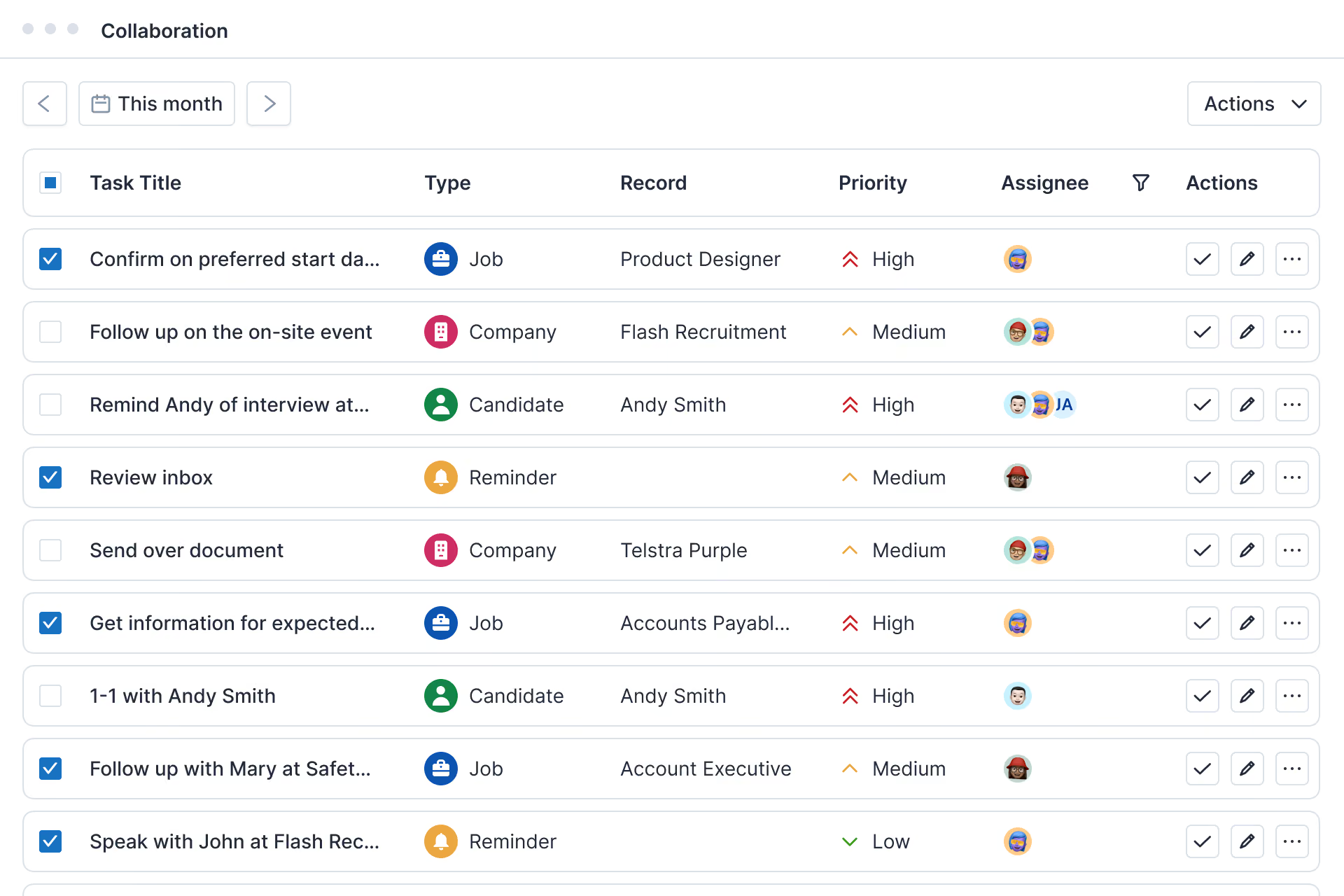
Collaborate with recruiters, clients and candidates
Turn workspace collaboration into a zero-admin system. Tasks, check-ins and alerts are automatically added to your workspace as records are created or updated.
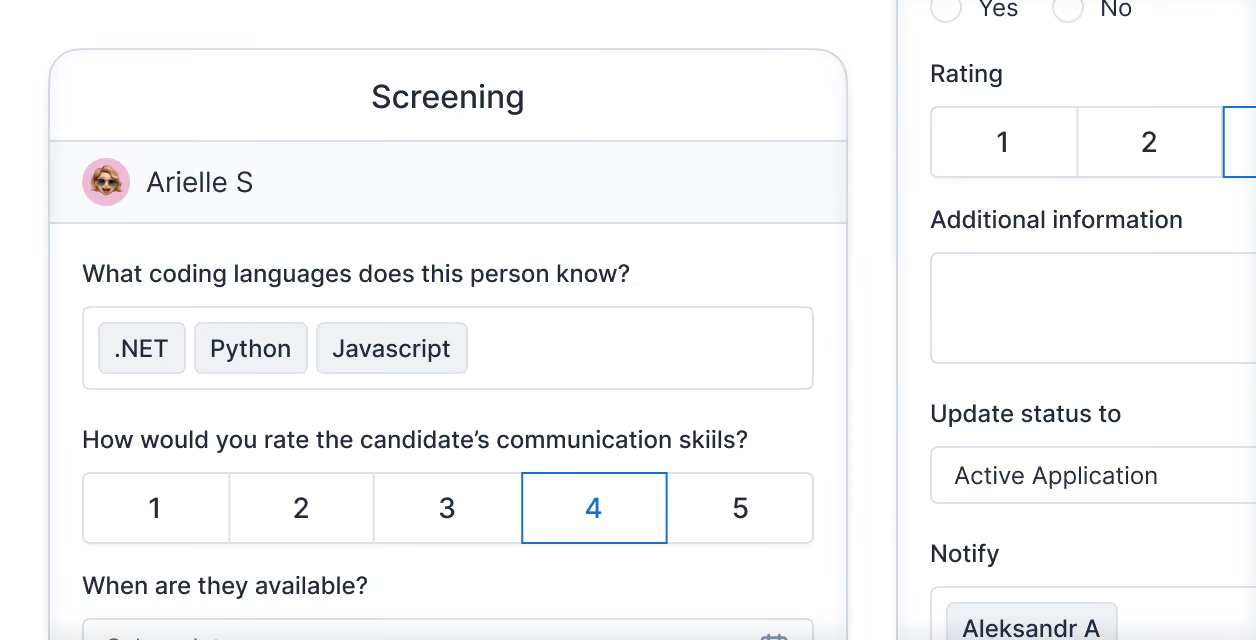
Create templates and playbooks for your team
Build activity templates and playbooks for tasks like candidate screening, so new recruiters perform like veterans from day one. Standardised workflows make sure every hire follows your agency's proven process, from brief to placement.
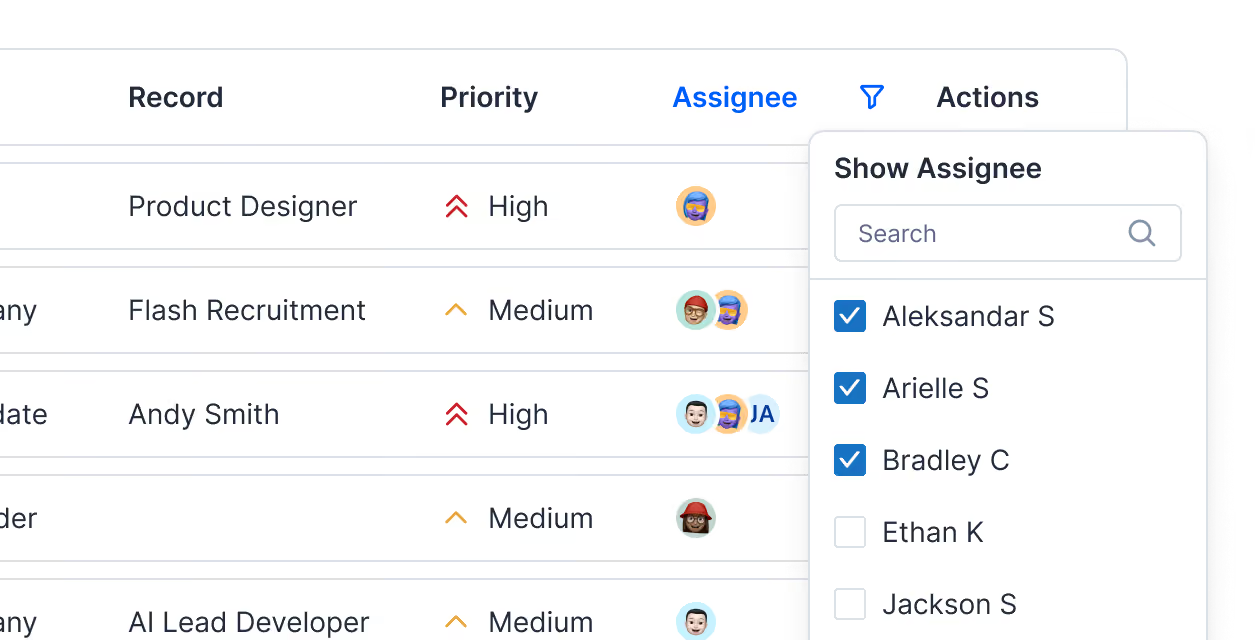
See every task and event in one workspace
Manage every task and event across the entire team in one central workspace. Filter by owner or origin, or view tasks directly inside the candidate, job and company records they're linked to, so context is always one click away.
Connect your calendar and video conferencing tools
Sync your Google, iCloud, Exchange, Office 365 or Outlook calendar and connect Zoom, Microsoft Teams or GoTo Meeting, so interviews and client meetings appear in your workspace alongside your tasks and reminders.
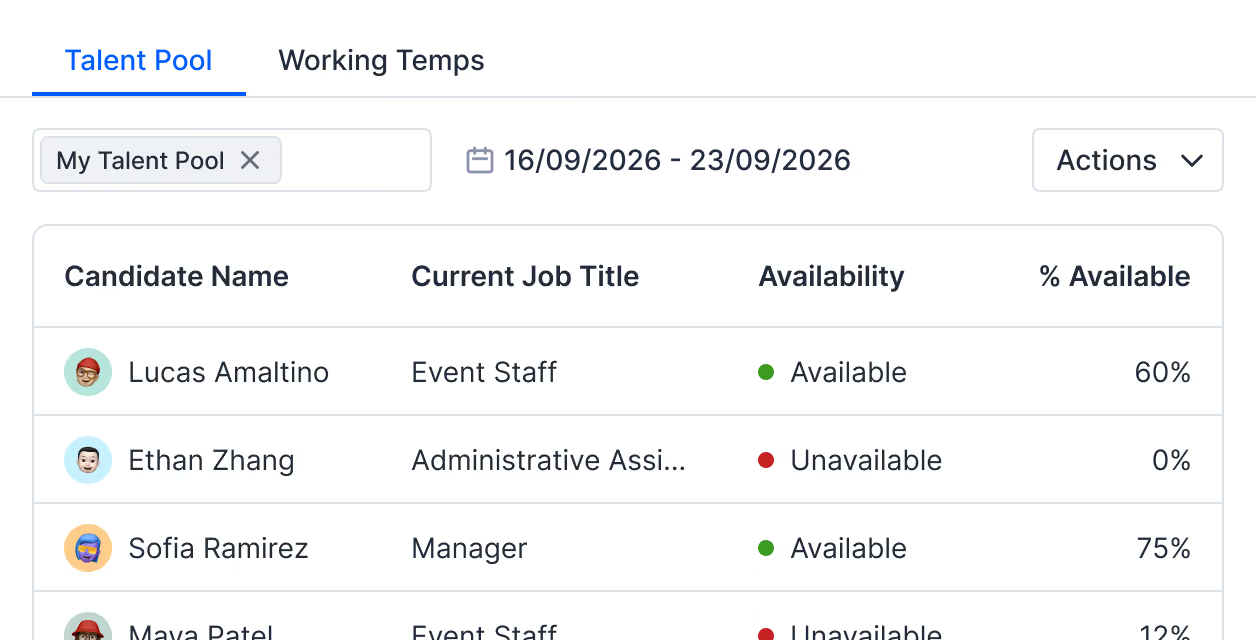
Share candidates and clients with other recruiters
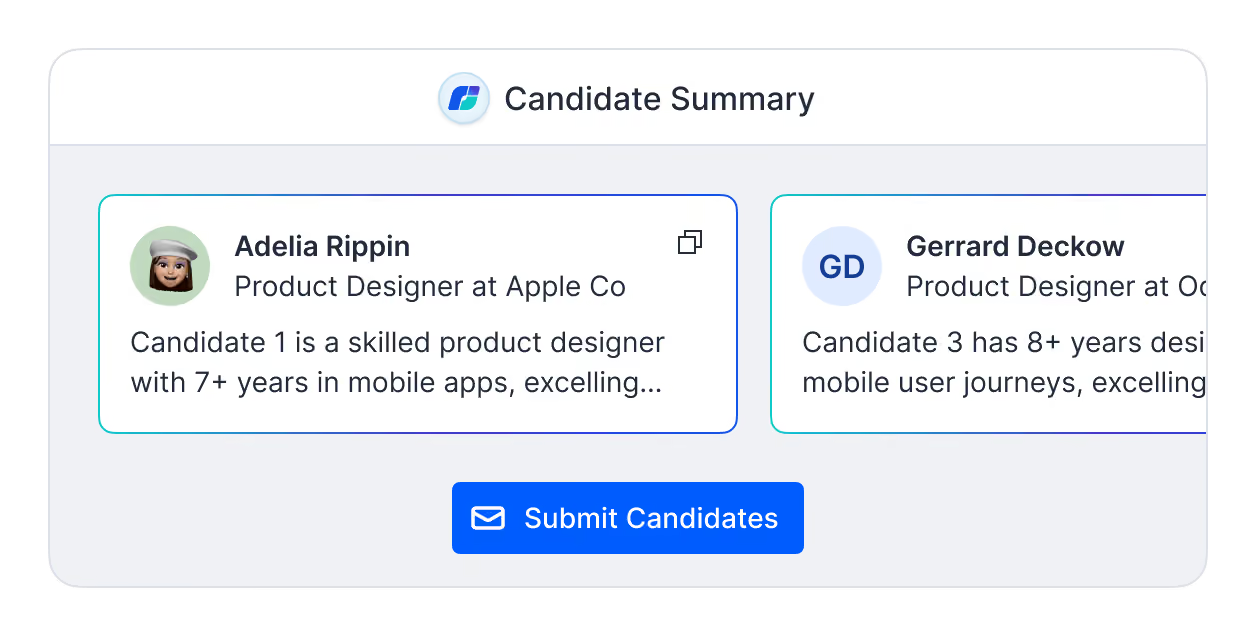
Add candidates to dynamic perm or temp talent pools and share them with one colleague or your whole team. Strong candidates can be pre-vetted for avaiablity and suitabilty then matched to open jobs faster.
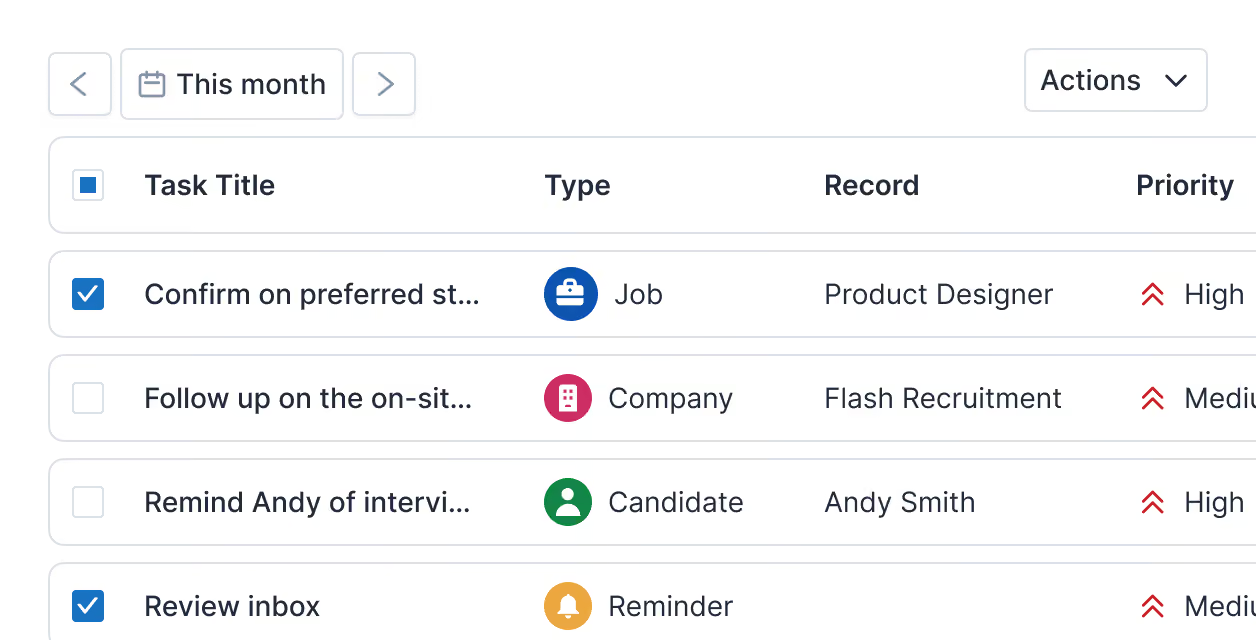
Stay in control with task and record ownership
Give managers complete oversight of every task and record with role-based views, while recruiters manage their own pipelines. Ownership is clear at a glance, so there's a clear audit trail and recruiters stay accountable.
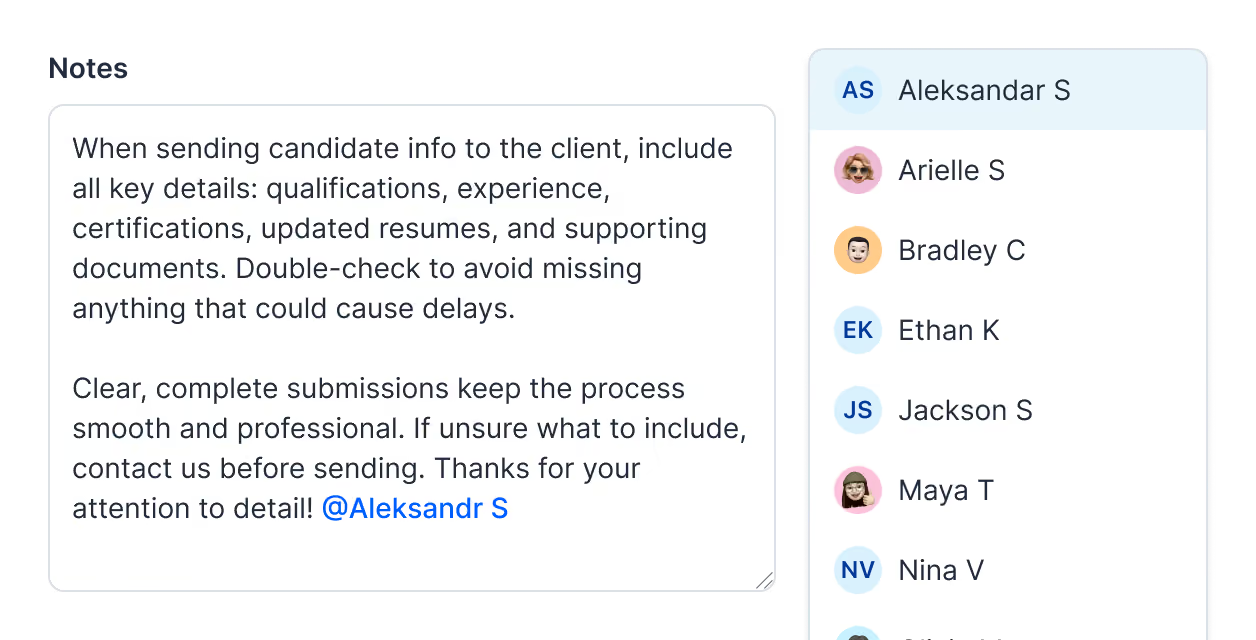
Tag recruiters to share notes and requests
Tag a teammate in any note and they get an instant alert with a direct link to the record. There's no separate message to write and no forwarded email chain to track, so requests never get lost.
Manage tasks, events and reminders in one workspace
Add new tasks, events and reminders to your workspace automatically with every status update and calendar event.
Collaboration that puts people first
No more losing candidates because of a dropped conversation. We compile every note and call into logged history on the contact record.
Create reports
Choose which tasks and events count towards recruiter performance reporting, from candidate calls and interviews to client meetings and check-ins, so you get visibility across the whole team's activity.
Automate activity
Get automated alerts and reminders for job, candidate and client activity to keep pipelines moving, and automate communication at every workflow stage with email sequences and multi-channel outreach.
Capture data
Create activity templates for any task or event, including candidate screening, background checks, interview preparation, hiring manager updates, job briefs, account management and more.
Learn more about JobAdder's collaboration
Can I see tasks assigned to other people on my team?
Yes. In JobAdder's task workspace, the Assignee column and filter let you see every user's tasks. The view defaults to your own tasks, so managers can switch to see the whole team's workload when they need to.
What's the difference between an Activity and a regular note?
An Activity is a structured form with set questions, such as a call script, candidate screening or reference check, while a note is free text. Activities standardise how your whole team captures the same information, which keeps records consistent and easier to report on.
Can I edit a completed Activity if I made a mistake?
Yes. You can edit or delete any completed Activity directly in JobAdder, so you can correct mistakes and keep records accurate without re-entering the information from scratch.
Do the people I mention need to reply through JobAdder?
No. When you mention a teammate in a JobAdder note, they get a notification from a no-reply address with a direct link to the record. They click through to read and respond, so the conversation stays on the record.
Are talent pools private, or can my whole team see them?
JobAdder talent pools are private by default. You choose who to share each one with, from a single colleague to your whole team, and shared talent pools let everyone match strong candidates to their jobs.
Which JobAdder plans include calendar, video conferencing and e-signature integrations?
Calendar sync, video conferencing and e-signature integrations are included in Recruiter Essential and Recruiter Pro, and available to add on Recruiter Lite. Calendar sync and video conferencing connect through Cronofy, covering Google, iCloud, Exchange, Office 365, Outlook, Zoom, Microsoft Teams and GoTo Meeting, and e-signatures run through Dropbox Sign. Compare plans on our pricing page.
Real results from JobAdder customers


