
JobAdder + SEEK Talent Search Connect (TSC)
Recruit more efficiently with SEEK's talent search connect integration
Automatically search and match SEEK candidates without leaving JobAdder.

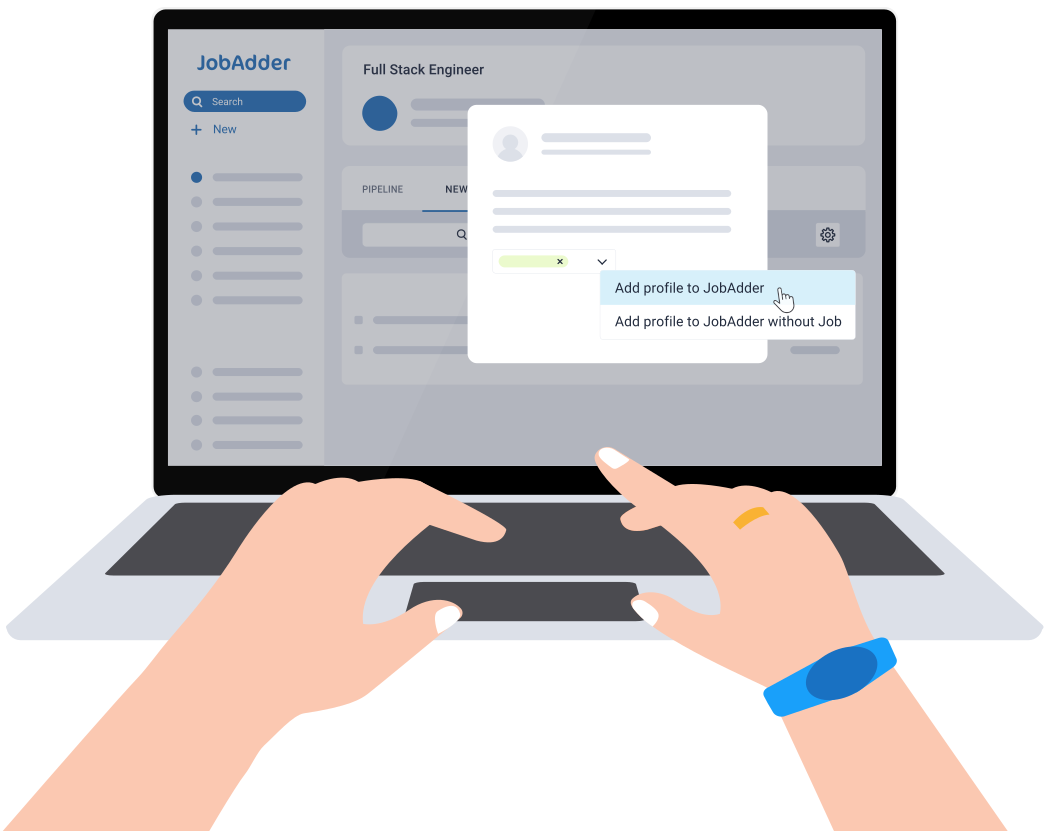
What is the JobAdder + SEEK Talent Search Connect (TSC) integration?
Talent Search Connect is SEEK’s proactive sourcing tool that seamlessly integrates with JobAdder, empowering teams to find and connect with a greater pool of candidates quickly and efficiently.
What is the JobAdder + SEEK Talent Search Connect (TSC) integration?
Talent Search Connect is SEEK’s proactive sourcing tool that seamlessly integrates with JobAdder, empowering teams to find and connect with a greater pool of candidates quickly and efficiently.
JobAdder + SEEK Talent Search Connect (TSC) benefits
Reduce time-to-shortlist with talent pools
Eliminate job ad posting to SEEK
with access to over twelve million
candidates inside JobAdder. View your favourite candidates in JobAdder and get recommendations for lookalike candidates in SEEK.
Streamline your sourcing workflow with a two-way data pipeline
Streamline viewing, accessing, storing and updating of SEEK candidate information in JobAdder to aid quick decision making and easy team collaboration.
Improve candidate experience with shared access to all candidate interactions
Understand your relationship with each candidate with access to full interaction history across JobAdder and the candidate’s SEEK profile.
How it works
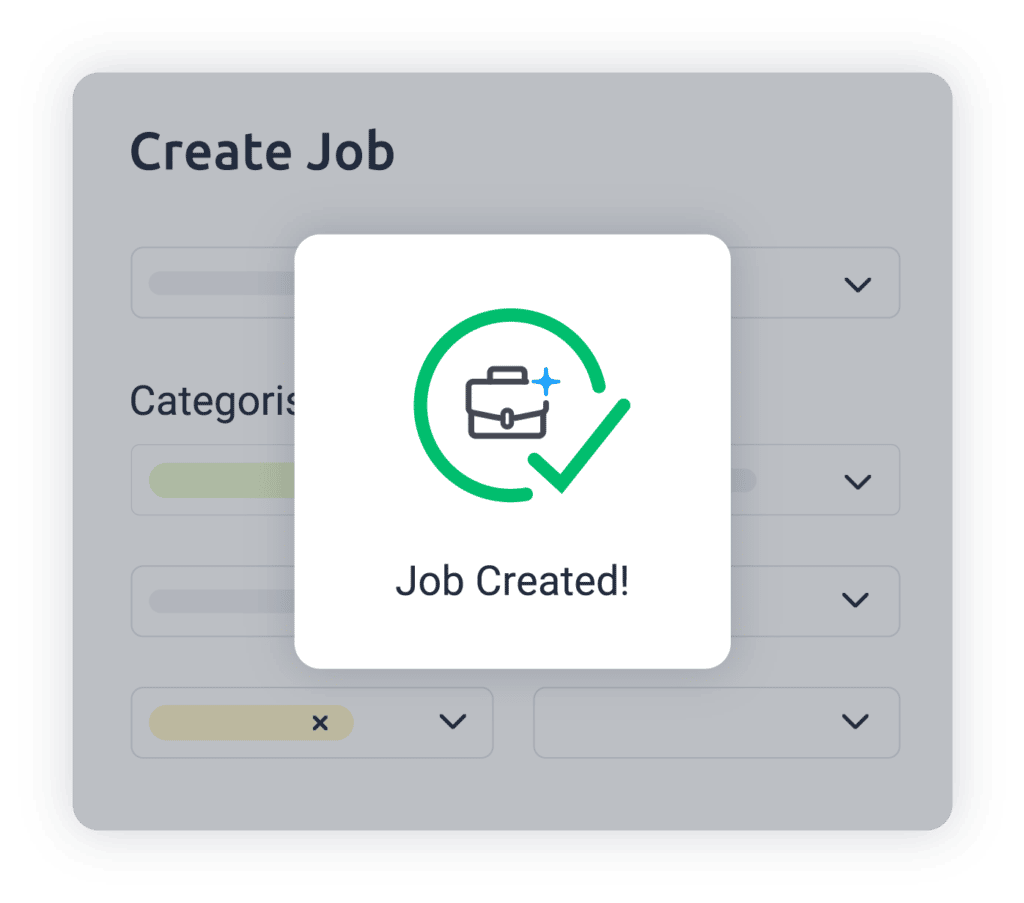
Create your job
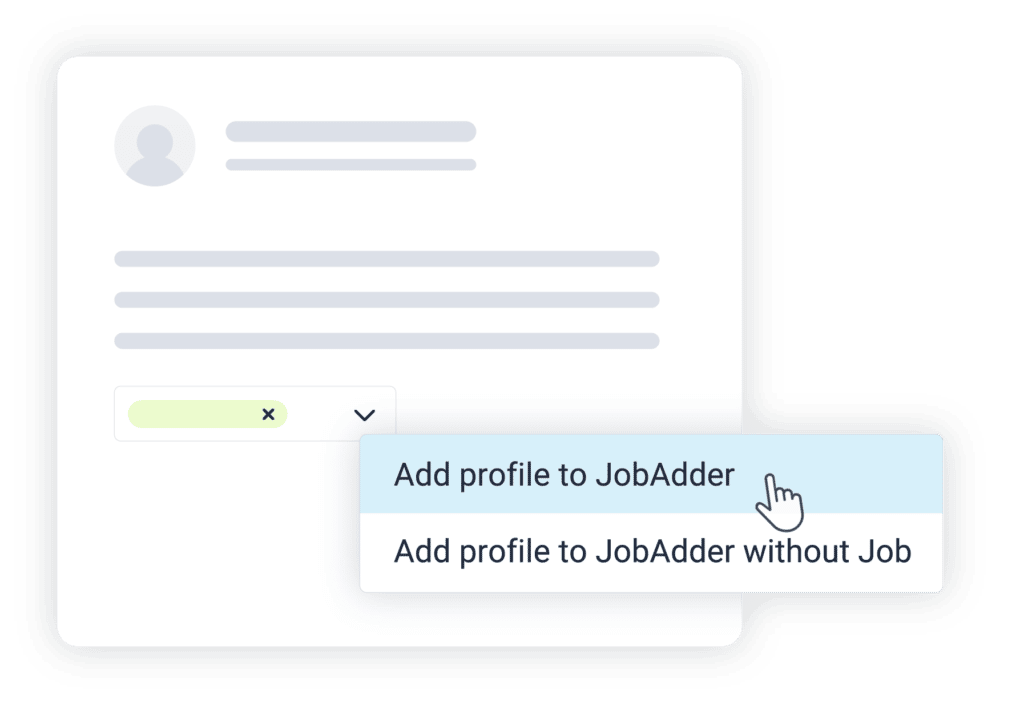
View candidates on SEEK
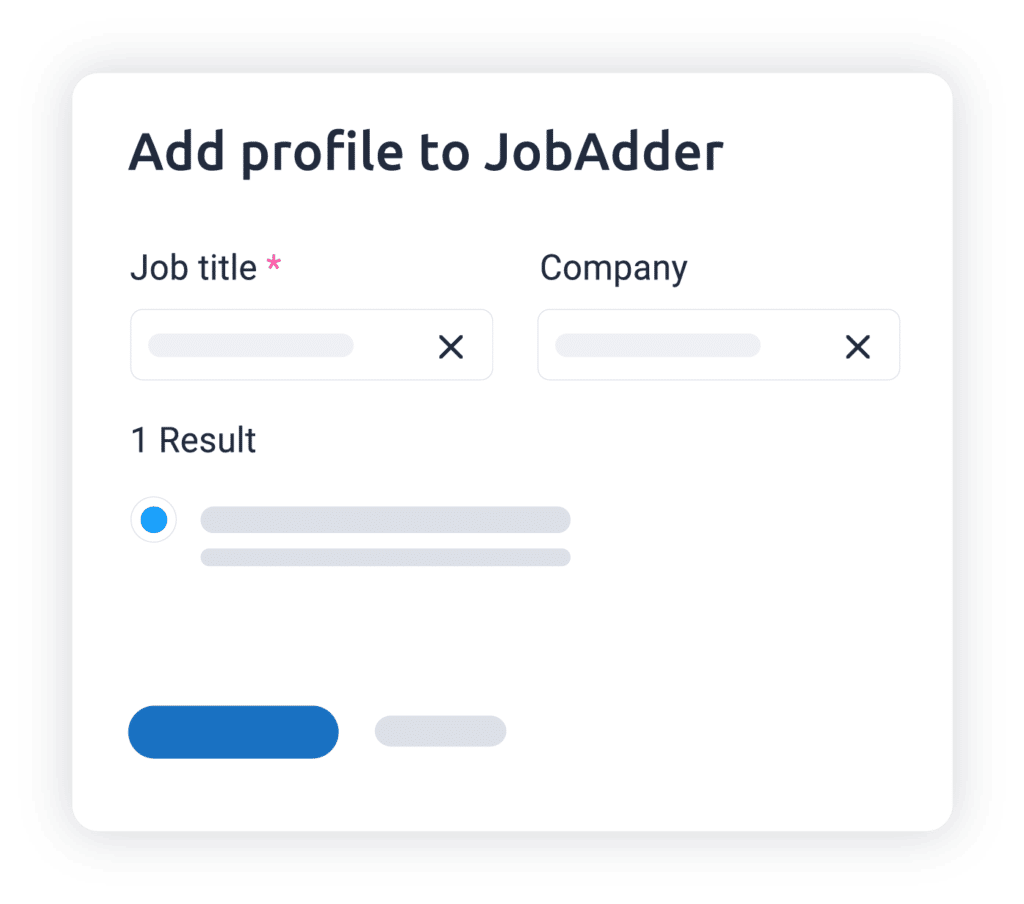
Add candidate to JobAdder
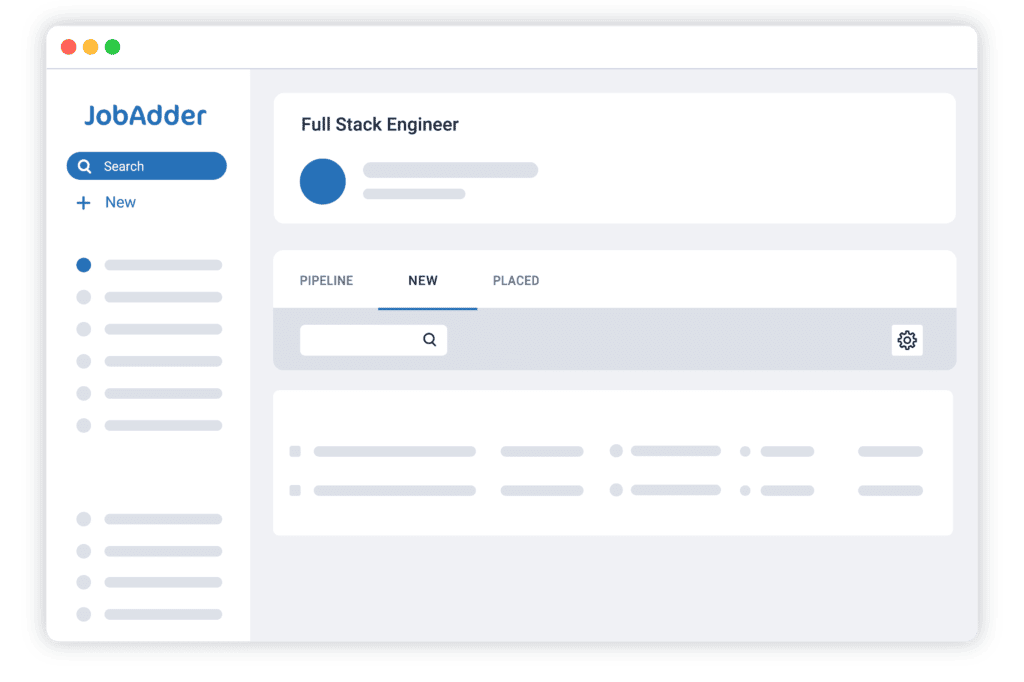
View candidate against job
Hear why your peers love JobAdder’s JobAdder + SEEK Talent Search Connect (TSC)
If it’s not working for you then you’re able to get out of it, but I’m really confident that once people see it and start using it, they will never want to leave. JobAdder is our single source of truth.

We are really happy with the product itself, but in particular the ongoing improvements that keep happening with it.
I definitely use Hiring Manager, as I don’t have time to be managing candidates for my colleagues. It’s really powerful. It’s actually saving us time because we’ve got greater visibility of where we’re at with each process – it also gives us a bit of visibility to know where our high priority areas are.
JobAdder has been a convenient and essential tool for business. I love that it does not have to run on our VPN and when I work late hours out of the office, pulling up client and candidate information on my phone is a breeze.
We can do a Career Update to freshen up our candidate pool, instead of sending emails out one by one, we can send out 100 Career Update invites at a time.
I would say it has allowed us to streamline our recruitment process and posting an ad is so much easier. You just have to do it once and don’t have to go into four different programs, which is fantastic.
As a customer, despite JobAdder’s growth over the last 11 years, in terms of both size and customer base, one thing that remains true is that we feel like we’re listened to. It’s hard when you’re working with a growing business to still have that sense of connectedness with that business, which I’m really pleased to say that we do with JobAdder.
Time to hire is significantly less than what it was before. Which ultimately is cost-saving across the business.
A big factor for me was having that support there whilst implementing.


Answers to your JobAdder + SEEK Talent Search Connect (TSC) questions
JobAdder exists to make recruitment more efficient and joyful for everyone involved – not just the users of our platform. We’re here to improve the hiring experience for candidates, clients, internal stakeholders, human resources management and HR teams as well as recruiters, and that drives our continual innovation. Visit Why JobAdder to learn more.
From telecommunications to technology, mining to marketing, our recruitment software helps recruiters in every sector shine. Find out how we can best help your industry here.
The JobAdder platform is designed to help make recruitment more efficient and joyful for all involved. The businesses it is most suited to are recruitment and staffing agencies and in-house HR and talent acquisition teams – the teams that manage the recruitment process.

